Agentic OS Download Guide: From Zero To Running In 1 Hour
If you've been searching for an agentic os download and getting nowhere, this is the guide that gets you running today.
I'm going to walk you through the exact steps I've used to get over a hundred Boardroom members from zero to a working Agentic OS dashboard inside an hour.
No fluff, no marketing, just the sequence.
By the end of this article you'll know what to install, what to paste, and what to fix when something doesn't quite work.
You'll also know what the dashboard is supposed to look like once it's running, so you don't waste an hour wondering if you've actually built the right thing.
Let's get into it.
The Two Real Paths To Get An Agentic OS Download Today
Before I give you the timed walkthrough, you need to know what you're actually downloading.
There is no public installer for "Agentic OS".
It's not on the Mac App Store and there's no GitHub release labelled Agentic OS v1.
Instead, you've got two routes that both work.
The first route is to have Claude Desktop build the whole thing for you in a one-prompt session.
The second route is to join the AI Profit Boardroom and DM me — I send you the pre-built zip with 100+ prompts and a 30-day roadmap inside.
Both end with the same thing — a local Next.js plus Tailwind dashboard running on your machine, wired to Claude, Hermes, and OpenClaw.
The post on agentic os meaning is worth a quick read if you're not sure what this even is.
Want to skip the build and get the zip? Inside the AI Profit Boardroom, DM me and I'll send you my Agentic OS file plus the prompts and roadmap. → Get access here
Minutes 0-5: Prerequisites Checklist
Before you start the build, run this five-minute checklist.
You need Node 20 or newer installed (run node --version to check).
You need Claude Desktop installed and logged in.
You need a folder ready to receive the project (I use ~/Projects/agentic-os).
You need a terminal you're comfortable with — Terminal, iTerm, or Warp all work fine.
You need your Hermes and OpenClaw documentation URLs handy (I'll show you where to paste them).
If any of those aren't sorted, fix them first.
It's much easier than dealing with the error halfway through the build.
Minutes 5-10: Open Claude Desktop And Paste The Prompt
Open Claude Desktop and start a fresh chat.
Paste this prompt exactly.
Create a beautiful operating system hosted locally for managing Claude for a website connected to Claude. Should be like a beautiful mission control dashboard. Then allow me to control my OpenClaw, my Hermes, and any other agents in separate systems inside the dashboard.
Hit enter and wait.
Claude will respond with two or three clarifying questions.
Common ones — what colour scheme do you want, do you want light or dark mode, do you want a side nav or a top nav.
Answer them quickly.
Don't agonise — the answers can change later by just asking Claude to redesign.
When Claude starts writing code, you're off.
The agentic os claude post goes deeper on the Claude side of the build.
Minutes 10-25: Let Claude Generate The Project
This is the patient phase.
Claude writes the whole project across several messages.
It generates the Next.js app router structure.
It generates the components for the mission control panels.
It generates the API handlers for each agent endpoint.
It generates the Tailwind config and the global CSS.
It generates a basic README with the run instructions.
Your job is to stay in the chat, answer follow-up questions, and copy the file outputs into your project folder.
Claude tells you which file to save where.
Just follow the instructions.
If you've got Claude Desktop with filesystem access, it writes the files directly — even faster.
Minutes 25-40: Plug In Hermes And OpenClaw
This is where the agentic part actually wires up.
Claude will ask you for the Hermes and OpenClaw documentation links.
Paste them in.
Claude reads the docs and writes the panel components that talk to each agent's API.
The Hermes panel shows live goals, memory state, and current autonomous tasks.
The OpenClaw panel shows browser session status, current page, and the queue of pending actions.
If Claude misses something — say, the agent status feed doesn't update in real time — just tell it.
"The Hermes panel doesn't refresh — fix it to poll every 5 seconds."
Claude regenerates the affected component.
That iterative loop is normal.
The hermes agent installation guide has the Hermes setup broken down step by step.
Minutes 40-50: Run It Locally
Now the satisfying bit.
Open your terminal in the project folder.
Run npm install.
Wait for the dependencies to install (usually 60-90 seconds).
Run npm run dev.
Open localhost:3000 in your browser.
Your Agentic OS is live.
You should see the mission control screen with panels for Claude, Hermes, OpenClaw, and a slot for a generic agent.
If you don't see all the panels, ask Claude to fix the missing one.
If you see the panels but they're all empty, that means your agents aren't running yet — fire them up and the panels populate.
Minutes 50-60: The First Real Test
Before you call it done, run the first real test.
Type a goal into the Hermes panel — something like "research the top three competitors for [your product] and summarise their landing pages".
Watch the panel.
Hermes should pick up the goal, spin up a sub-task, fire OpenClaw to browse the three sites, then write a summary back to the memory feed.
If that flow completes end-to-end, your Agentic OS is fully operational.
If it stops somewhere mid-flow, that's where you debug.
Most of the time it's a missing API key or a misnamed endpoint — both two-minute fixes.
The agentic os command center post shows what a fully populated dashboard looks like in action.
The Faster Path: Skip The Build Entirely
If you don't want to spend an hour on the build, the second route saves you the time.
Join the AI Profit Boardroom at $69/mo locked.
Send me a DM.
I send you the zip.
Inside that zip is the dashboard already built and tested.
You get the full Next.js plus Tailwind codebase, the mission control UI with all panels wired, the Hermes and OpenClaw integrations done, the Obsidian vault viewer plugged in via OMI, the 100+ prompt library, and the 30-day roadmap.
Unzip, npm install, npm run dev, done.
Ten to fifteen minutes start to finish.
That's the fast path.
🔥 The agentic os download for people who want to skip the build. Inside the AI Profit Boardroom, the zip plus prompts plus roadmap are yours. → Get access here
What's Actually In The AIPB Zip
For the people deciding which route to take, here's what's in the zip.
You get the full /app directory with the Next.js routing already done.
You get the /components directory with the mission control panels.
You get the /agents directory with the Hermes, OpenClaw, and Claude wiring.
You get the /lib directory with the local API handlers.
You get the /prompts directory with 100+ prompts I've collected from real client work.
You get a README.md with the 30-day roadmap (30-minute daily tasks, no overwhelm).
You get the Obsidian vault integration via OMI already wired.
You get the journal, goals, memory, and chat panels ready to go.
You get the dark mode and light mode themes both tuned.
The agentic ai os post covers the higher-level architecture this zip implements.
The Free $0 Stack That Runs The Whole Thing
Whichever route you took, you're running the same underlying stack.
This is what makes this whole project so wild.
The cost is £0 in software.
Claude Desktop handles the brain layer (free tier works, Pro is faster).
Hermes Agent handles the autonomous worker layer (open source, free).
OpenClaw handles the browser computer-use layer (open source, free).
Obsidian handles the knowledge layer (free for personal use).
OpenRouter with Step 3.5 Flash handles the cheap inference for background tasks (free tier).
Total monthly cost — zero.
I run this exact stack for my own work and I pay the AIPB membership and Claude Pro on top because I'm using both heavily.
You don't have to.
The free stack is genuinely capable.
Why It Has To Stay Local
The question I get every week — why not host this in the cloud?
Because the architecture doesn't work cleanly off your machine.
OpenClaw needs to drive a real local browser logged into your accounts — that doesn't translate to a hosted server.
Hermes needs read-write access to your local Obsidian vault — same problem.
Claude Desktop runs on your machine and that's where the session state lives.
Try to proxy any of that through a cloud server and you lose either speed, privacy, or feature parity.
I tested a cloud version for two weeks and pulled it back to local.
Local-only is the right call for this kind of multi-agent dashboard.
That's also why the Agentic OS isn't being sold as a SaaS by anyone — the architecture doesn't allow it.
The agentic os post explains the local-first decision in more depth.
Common Build Errors And Their Fixes
If you're walking the self-build path, here are the errors I see most often.
| Error | Fix |
|---|---|
node: command not found |
Install Node 20+ from nodejs.org |
npm install fails on a peer dep |
Run with --legacy-peer-deps |
| Dashboard shows but panels are blank | Start your Hermes and OpenClaw agents first |
| Tailwind classes not applying | Run npm run dev from the project root, not a subfolder |
| Claude generates an incomplete component | Ask Claude to "finish the component you started" |
| Hermes panel doesn't update | Add a 5-second polling interval to the panel |
| OpenClaw panel can't see the browser | Make sure OpenClaw is pointed at your default browser profile |
Most of these take under five minutes to fix.
If you get stuck on one for more than thirty minutes, that's when joining AIPB and asking on the coaching call saves you the afternoon.
The Vimeo AIPB Walkthrough
If you want to see exactly what the AIPB membership looks like before joining, here's the walkthrough video.
After The Build: The 30-Day Roadmap
Whether you self-built or grabbed the zip, you'll want a plan for the next month.
Here's the roadmap I give my AIPB members.
Week one — get the dashboard running, wire your first agent, complete one autonomous task.
Week two — wire Hermes and OpenClaw fully, set up your goals panel, run a daily standup loop.
Week three — connect your Obsidian vault via OMI, add the journal panel, start writing to memory daily.
Week four — build your first custom panel (whatever you need that isn't there yet), automate one recurring task.
By day 30 you're running the same setup I run for my agency.
Most members hit that pace.
A few hit it faster on a focused weekend.
A few take six weeks because they only touch it on Sundays.
That's fine — the roadmap is paced for whatever speed works.
FAQ: Agentic OS Download Questions
How long does the agentic os download actually take?
The self-build path takes about an hour from zero to first working dashboard.
The AIPB zip path takes 10-15 minutes (unzip, npm install, npm run dev).
Add another hour or two to wire your specific agents and customise the panels.
Do I need a paid Claude subscription to build it?
The free tier of Claude Desktop works fine for the build.
You'll hit rate limits if you push the build hard in one sitting.
Pro at $20/mo removes that friction — most members upgrade after the first build.
Can I run the Agentic OS on Windows?
Yes — Node and Next.js run on Windows fine.
The dashboard is identical across Mac, Windows, and Linux.
OpenClaw works on all three.
Hermes works on all three.
What's the difference between "Agentic OS" and Hermes Agent OS?
Hermes Agent OS is one of the agent runtimes that lives inside the broader Agentic OS dashboard.
The Agentic OS is the dashboard layer — Hermes is one of the agents it manages.
Same family, different layer.
Is the Agentic OS open source?
The self-build version is whatever you build with Claude — yours to keep, modify, and share.
The AIPB zip version is shared with members only and is part of the AIPB membership benefit.
Why can't I just buy this as a finished app?
Because the architecture is local-only and built around your specific agents.
A SaaS version would either be slow (cloud round-trips) or limited (can't access your local browser or vault).
Self-built or pre-wired-from-me are the only two options that actually work.
About Julian
I'm Julian Goldie — AI entrepreneur, SEO expert, and founder of the AI Profit Boardroom (3,000+ members). I help business owners scale with AI agents, automation, and SEO.
- 400K+ YouTube subscribers
- 7-figure AI agency (Goldie Agency)
- Daily training inside the Boardroom
- Author of multiple AI automation playbooks
→ Get my best AI training inside the AI Profit Boardroom
Further Reading On Agent OS Guide
For deeper walkthroughs on the topics in this article, the Agent OS Guide library has these worth bookmarking.
- Agent OS Guide — the full library if you want every agentic os install angle in one place.
- Hermes Agent OS Q&A — answers the questions you'll hit right after the download finishes.
- NotebookLM Agent OS — shows one agent slotting cleanly into a fresh install.
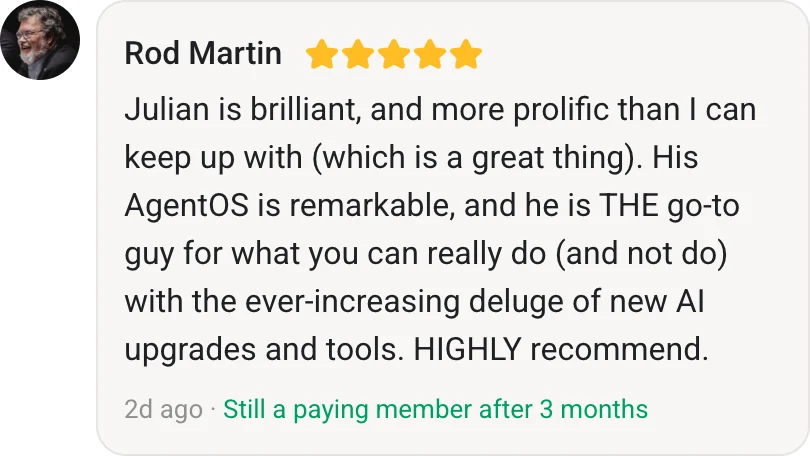
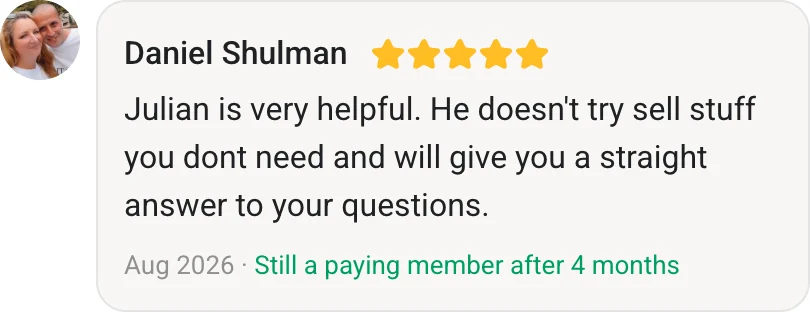
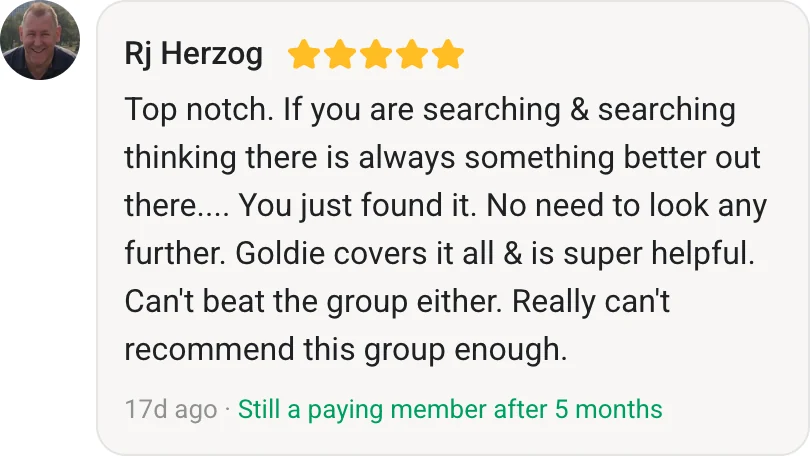
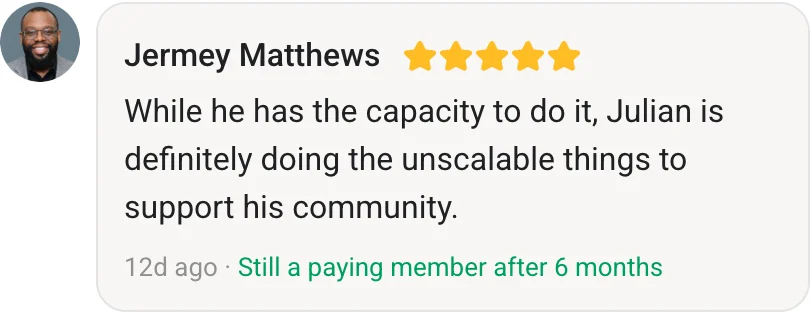
- Agent OS Member Testimonials — what people are doing once they actually run the download.
Also On Our Network
- 🌐 Read on bestaiagentcommunity.com
- 🌐 Read on aiprofitboardroom.com
- 🌐 Read on aisuccesslabjuliangoldie.com
- 🌐 Read on aimoneylabjuliangoldie.com
Related Reading
- What is an Agentic OS?
- Agentic OS Claude breakdown
- Agentic OS Meaning explained
- Agentic OS Command Center walkthrough
- Hermes Agent Installation Guide 2026
📺 Video notes + links to the tools 👉
🎥 Learn how I make these videos 👉
🆓 Get a FREE AI Course + Community + 1,000 AI Agents 👉
Follow this guide and you'll have a working agentic os download running on your own machine before lunch.