An AI agent OS is the only structure I have found that fixes the four problems no single AI tool can solve on its own.
I spent most of 2025 trying to patch those four problems with prompt libraries, browser extensions and Notion docs and none of it stuck.
The moment I built a proper agent operating system on my laptop, all four problems disappeared at once.
In this post I will break down each of the four problems an AI agent OS solves, the Goldie Mission Stack I use to solve them, the $0 build path you can copy, and the hammer to construction company shift that makes the OS feel obvious in hindsight.
Want the full AI agent OS build? Inside the AI Profit Boardroom, I share the AI agent OS zip, 100+ prompts, a 30-day roadmap and 5 weekly coaching calls with 3,000+ members. → Join here — $69/mo locked, twin guarantee.
What An AI Agent OS Is
An AI agent OS is an operating system designed specifically for managing multiple AI agents at the same time.
It is not a chatbot and it is not a SaaS dashboard you log in to.
It runs on your own machine and gives every agent on your stack a shared dashboard, shared memory and a shared mission.
It coordinates agents that think like Claude, agents that act like OpenClaw and agents that remember like Obsidian.
That coordination is the whole point and the four problems below are what you cannot solve without it.
Problem One — No Memory Between Tools
The first problem an AI agent OS solves is the no memory problem.
Every time you open ChatGPT, Claude or any other AI tool, it forgets everything you were working on.
You waste the first ten minutes pasting in context — what your business is, what your offers are, what your tone is, what you were doing yesterday.
That is a tax you pay on every single session and it adds up to hours a week.
The fix is not better prompts and it is not a Notion doc full of context blocks.
The fix is a shared memory layer underneath every agent in your stack.
In my AI agent OS that layer is Obsidian plus OMI, sitting inside what I call the Self layer.
Every agent in my stack reads from that vault automatically.
When I ask my Research agent for ideas, it already knows my business, my audience and my offers because the OS feeds it the right context.
You can see the Obsidian side of this in the Claude Obsidian Setup post.
That single fix removes the no memory problem permanently.
Problem Two — No Agent Coordination
The second problem is the no coordination problem.
Tabs cannot pass work to each other.
You finish a research draft in Claude, then you copy it to your image tool, then you copy the output back to a Google Doc, then you paste the final into Slack.
Every handoff is you doing the work an OS should be doing.
An AI agent OS replaces all of that with automatic handoff between agents.
In my Goldie Mission Stack, the Research layer pulls fresh information from the web, then the Intelligence layer turns it into a plan, then the Execution layer ships the actual work.
I never copy and paste between them.
The OS handles every handoff.
That is the difference between a tab full of prompts and a coordinated team of agents.
The Hermes Agent Swarm post shows the multi-agent handoff side of this in detail.
Problem Three — No Persistent Context
The third problem is the no persistent context problem.
Even when a single tool remembers your last chat, it does not remember your business.
It does not remember your offers, your audience, your tone of voice or your last ten calls.
You end up writing the same paragraph of background information into every prompt — "I am Julian Goldie, I run the AI Profit Boardroom, my audience is solo founders, my tone is direct…" — over and over.
That is the no persistent context problem.
An AI agent OS solves it by giving you one shared vault that every agent reads from.
When the vault grows, every agent gets smarter.
When I add a new offer, every agent in the stack picks it up automatically.
When I record a call through OMI, every agent gets to read the transcript.
That is the bit that turns generic AI into AI that actually knows you.
You cannot get that from any single tool because no single tool owns the vault.
The OS does.
Problem Four — No System View
The fourth problem is the no system view problem.
When you run AI in tabs you have no idea what is happening at any given moment.
You cannot see which agents are running, which ones are stuck, which ones have spent too many tokens or which ones are waiting for instructions.
You also cannot see analytics over time — sessions per agent, tool calls, peak hours, token spend.
That makes it impossible to trust the system.
An AI agent OS solves this with a mission control view.
Mission control is one screen showing live status for every agent in the stack.
You get in-dashboard chat per agent, goals, journal entries, notes and vault search.
You also get analytics across sessions, tool calls, tokens and peak hours.
When you can see all of that on one screen, you stop being a prompt typer and start managing the stack the way a CEO manages a team.
The Hermes Agent Mission Control walkthrough shows the exact layout I use.
The Goldie Mission Stack — Four Layers, Four Fixes
The architecture I use to fix all four problems at once is the Goldie Mission Stack.
It has four layers and each one matches one of the four problems above.
The first layer is Intelligence and that is Claude — the brain that solves the planning side of the no coordination problem.
The second layer is Execution and that is OpenClaw — the layer that actually runs jobs on my machine and removes the manual handoff bottleneck.
The third layer is Research and that is the Hermes Agent — the layer that gathers fresh information and solves the stale context problem.
The fourth layer is Self and that is Obsidian plus OMI — the personal memory layer that solves the no memory and no persistent context problems together.
Each layer has one job and they hand off through the OS automatically.
You can read the layer-by-layer breakdown inside the Hermes Agent OS post.
How To Build An AI Agent OS For $0
Here is the part that surprises most people.
You can build a fully working AI agent OS for zero dollars.
You need five free pieces.
The first piece is Claude Desktop, which is fine on the free tier for a starter build.
The second piece is the Hermes Agent, which is open source and free.
The third piece is OpenClaw, which is open source and free.
The fourth piece is Obsidian, which is free for personal use.
The fifth piece is Step 3.5 Flash on OpenRouter, which has a free API tier.
One prompt to Claude Desktop scaffolds the whole thing in about an hour, especially if you follow the build flow in Build Your Own OpenClaw.
No SaaS subscriptions, no vendor lock-in, no monthly bills.
You can be running a real OS by the end of the day.
The Hammer To Construction Company Shift
The framing that finally clicked for me is the hammer to construction company shift.
Using AI in tabs is like owning a hammer — you can do good work, but only one job at a time and only when you are personally holding the hammer.
Running an AI agent OS is like owning a construction company — same tools underneath, but now you have a foreman, a schedule, a job site and multiple crews working in parallel.
The output is on a completely different scale even though the underlying tools have not changed.
That is the whole game.
The four problems I described above are the four reasons hammers cannot become construction companies on their own.
You need the OS layer to make the shift, full stop.
Watch The Full Walkthrough
If you want a five-minute overview of why this matters, this is the Vimeo intro I send new members.
It walks through the OS, the bonuses, the coaching cadence and the community.
It is the same intro every new AI Profit Boardroom member watches on their first day.
Why Local-First Matters For All Four Fixes
A real AI agent OS runs locally and that choice plugs into every one of the four fixes above.
Local-first matters for the memory fix because your Obsidian vault stays on your machine instead of inside a vendor account that can vanish.
Local-first matters for the coordination fix because the OS does not depend on any single SaaS staying online.
Local-first matters for the context fix because your data never gets pulled into someone else's training set.
Local-first matters for the system view fix because the dashboard runs on your hardware and stays fast even with dozens of agents.
The four fixes only really stick when the OS is local-first.
Cloud-based agent platforms break on all four points and they almost always break at the worst possible time.
How Tabs Stack Up Against An AI Agent OS On The Four Problems
The cleanest way to see the difference is to map the four problems to both setups side by side.
| Problem | Tabs and SaaS | AI agent OS |
|---|---|---|
| No memory between tools | Permanent issue | Solved by shared vault |
| No agent coordination | You are the coordinator | Automatic handoff |
| No persistent context | Paste it every time | Solved by Self layer |
| No system view | You are guessing | Mission control dashboard |
| Privacy | Vendor-controlled | Local-first |
| Cost | Stacking subscriptions | Mostly free |
| Vendor risk | High | Almost none |
The gap on each row is wide enough that you cannot reasonably argue tabs catch up later.
You are not waiting for a better model — you are waiting for a better structure, and the OS is the structure.
Real Workflows Where The Four Fixes Show Up
The first workflow where I notice all four fixes is the morning intel sweep.
The Research layer pulls fresh content in my niche, the Intelligence layer summarises it through Claude and the Self layer drops the digest into my Obsidian inbox with full memory of what I cared about yesterday.
The second workflow is content production where one voice memo into OMI becomes a script, a hero image, B-roll and a voice-over in parallel rather than sequentially.
The third workflow is competitor monitoring where the OS watches a fixed list of accounts every hour and only surfaces what matters to my offers because it already knows what my offers are.
The fourth workflow is overnight automation where I queue tasks for the Execution layer before bed and arrive in the morning to finished work in my inbox.
Each of those workflows would be impossible without all four problems being solved at once.
That is the bit you only feel after you build the OS.
Common Mistakes When Trying To Fix These Four Problems Without An OS
The first mistake is trying to fix the memory problem with prompt templates — it does not scale past a few tools.
The second mistake is trying to fix the coordination problem with browser extensions — they do not share state across tools properly.
The third mistake is trying to fix the context problem with Notion docs — you still have to manually paste the context into every prompt.
The fourth mistake is trying to fix the system view problem with screenshots and spreadsheets — you end up tracking the agents instead of running them.
None of those patches work because they do not address the root cause.
The root cause is the missing OS layer underneath everything.
Want the OS layer pre-built? The AI Profit Boardroom includes the full AI agent OS zip, the prompt library and the 30-day roadmap. → Get inside — $69/mo locked, twin guarantee.
FAQs
What is an AI agent OS in one sentence?
An AI agent OS is an operating system that runs multiple AI agents on your machine with shared memory, coordination and a mission control view.
Can I solve the no memory problem without building an OS?
You can patch it with prompt templates and Notion docs, but the patch breaks the moment you add more than two or three tools to your stack.
Why is agent coordination impossible in tabs?
Tabs cannot share state with each other in a useful way, so every handoff between tools requires you to manually move context, which is the bottleneck.
How does an AI agent OS handle persistent context?
It uses a shared vault — in my case Obsidian — that every agent reads from, so the context is always current and you never have to paste your background information twice.
What does mission control actually show?
Live status for every agent, their tool use, token spend, sessions, in-dashboard chat, goals, journals, notes and vault search across the whole stack.
Is local-first really necessary?
Yes, because all four fixes depend on the data, memory and configuration staying on your machine instead of inside a vendor account that can change at any time.
About Julian
I am Julian Goldie — AI entrepreneur, SEO expert and founder of the AI Profit Boardroom with 3,000+ members.
I help business owners scale with AI agents, automation and SEO every single day.
- I run Goldie Agency, a 7-figure SEO and AI agency.
- I host 5 weekly coaching calls inside the AI Profit Boardroom.
- I am the author of multiple AI automation playbooks and best-selling SEO books on Amazon.
- I have over 400K subscribers on YouTube and a large student base across Udemy.
→ Get my best AI training inside the AI Profit Boardroom
Latest Updates
- Agentic AI OS — the multi-modal OS build that pairs with this one.
- Hermes Agent OS — the Hermes-side breakdown of the Research layer.
- Hermes Agent Mission Control — the mission control view that fixes the system view problem.
Further Reading On Agent OS Guide
For deeper walkthroughs on the topics in this article, the Agent OS Guide library has these worth bookmarking.
- Agent OS Guide — the full library if you want every angle on the ai agent os concept.
- Hermes Agent OS Q&A — answers the common pre-build questions that trip people up.
- NotebookLM Agent OS — a worked example of one ai agent inside a bigger os.
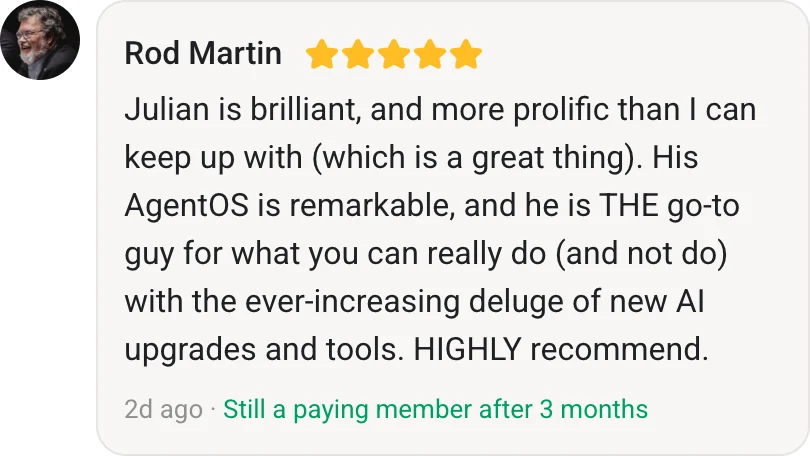
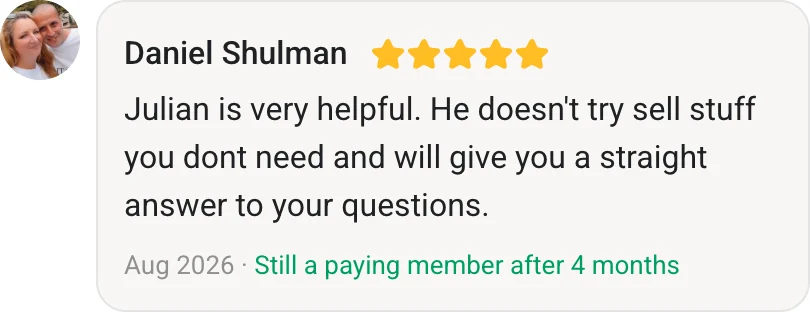
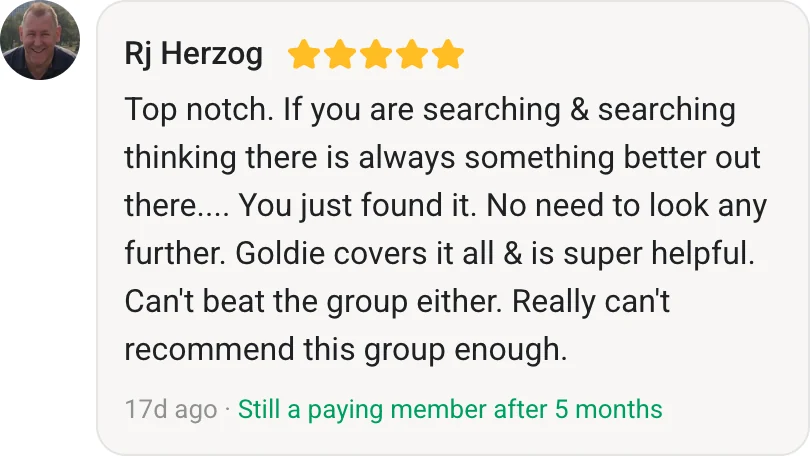
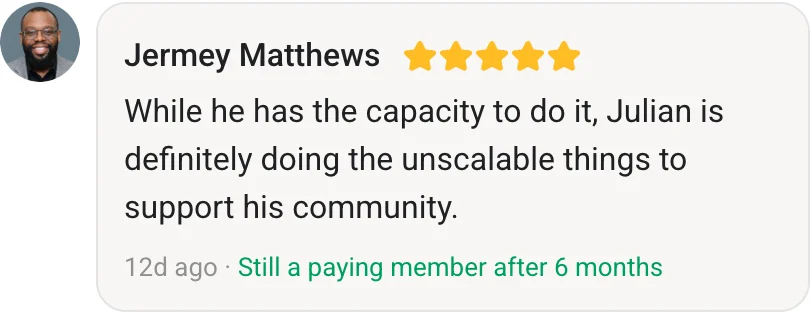
- Agent OS Member Testimonials — proof points from real builders running this stack.
Also On Our Network
- Read on bestaiagentcommunity.com
- Read on aiprofitboardroom.com
- Read on aisuccesslabjuliangoldie.com
- Read on aimoneylabjuliangoldie.com
Related Reading
- Hermes AI Agent Framework 2026 — the framework powering the Research layer of my AI agent OS.
- OpenClaw Computer Use — the Execution layer that runs real clicks and keystrokes.
- Claude Hermes Agent — the Intelligence plus Research pairing at the heart of the stack.
- Hermes Second Brain — the memory layer that fixes the no persistent context problem.
- AI Profit Boardroom — the community where I share my full AI agent OS build.
Video notes + links to the tools 👉
Learn how I make these videos 👉
Get a FREE AI Course + Community + 1,000 AI Agents 👉
An AI agent OS is the only thing I have built that solves all four AI tool problems at once, and once it is running you will never want to go back to tabs.